Where to Donate Your Old Electronics (And How to Get a Tax Deduction for It)
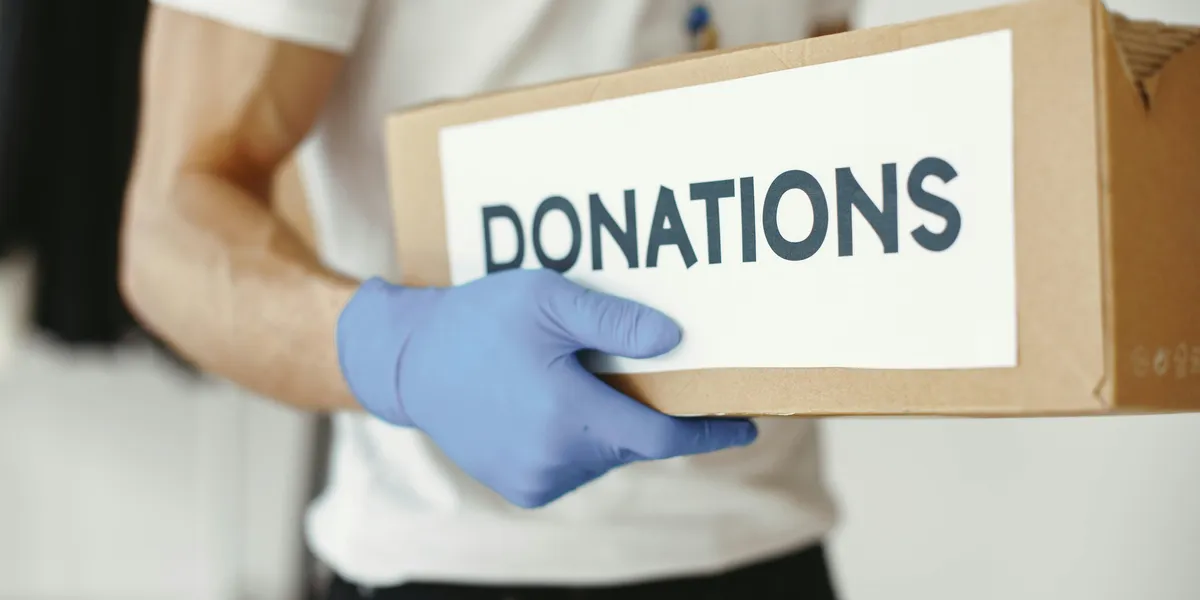
Working electronics have a second life through donation programs that refurbish devices and put them in the hands of people who need them
Recycling is the right call for a dead device. But if your old laptop still powers on, your phone still holds a charge, or your tablet just got replaced by a newer one, recycling might actually be the wrong choice.
Working electronics have a second life through donation programs that refurbish devices and put them in the hands of students, veterans, domestic violence survivors, and families who can’t afford new hardware. You get the device out of your closet. Someone else gets a tool they genuinely need. And depending on where you donate, you may walk away with a tax deduction worth more than any trade-in offer you’d find online.
Here’s how to do it right.
The 2026 Tax Angle Is Worth Knowing About
Before getting into specific organizations, it’s worth flagging something that changed this year. Under the One Big Beautiful Bill Act, signed in July 2025, taxpayers who take the standard deduction can now deduct up to $1,000 in charitable contributions ($2,000 for couples filing jointly) without itemizing.
Previously, you could only claim charitable deductions if you itemized, which fewer than 12% of filers do. Starting with the 2026 tax year, that restriction is gone for smaller donors. If you donate a working laptop worth $400 to an eligible 501(c)(3) organization and get a receipt documenting the fair market value, that deduction is now available to you even on a standard return.
A few things to keep in mind. The deduction is based on fair market value, not what you paid. A laptop you bought for $1,200 three years ago might have a current fair market value of $200 to $400 depending on specs and condition. The IRS requires the device to be in “good used condition or better” to qualify. Non-working devices have a fair market value of zero for tax purposes, even if a charity accepts them for recycling.
For donations above $500, you’ll need to fill out Form 8283 and attach it to your return. Above $5,000, a qualified appraisal is required.
Keep the receipt from whatever organization you donate to. It should include the organization’s name, EIN number, the date of donation, and a description of the item. The organization cannot assign a dollar value for you.
What Makes a Device Worth Donating vs. Recycling
Most donation programs are looking for devices that someone can actually use. The general rule of thumb is five years or newer for laptops and computers, and three years or newer for smartphones. Older hardware often can’t run current operating systems, which limits its usefulness to recipients who need devices for job searching, school, or accessing services.
Check these things before you decide:
Does it power on reliably? Does the screen display without major damage? Does a laptop battery hold at least some charge? Is the operating system still supported? Windows 10 reached end of support in October 2025, so machines running only Windows 10 have limited donation value unless they can be upgraded to Windows 11.
If the answer to most of those is yes, donate. If the device is dead, cracked beyond use, or so old it can’t run current software, recycle it through a certified facility. Donating a device that’s actually unusable just creates disposal work for the nonprofit.
Organizations Worth Knowing
Computers with Causes (computerswithcauses.org) is one of the broadest programs in the country. They accept laptops, desktops, tablets, phones, printers, cameras, game consoles, servers, and more. Unusable devices go through a zero-landfill recycling process rather than the trash. They’re part of the Giving Center, a registered 501(c)(3), so donations are tax deductible. You can request a mail-in shipping label through their site.
Human-I-T (human-i-t.org) focuses on closing the digital divide by connecting refurbished tech to low-income families, nonprofits, and underserved communities. They accept desktops, laptops, tablets, smartphones, printers, networking gear, and peripherals. Devices that can’t be refurbished are responsibly recycled. They handle certified data destruction and provide documentation. Individual donors can use prepaid shipping boxes or drop off at facility locations.
Digitunity (digitunity.org) doesn’t take devices directly but runs a zip code lookup tool that connects you with vetted local organizations in your area that do. If you’re not sure what’s near you, this is a good first stop. They’ve also partnered with Computers 4 People to offer free drop-off at FedEx and Walgreens locations nationwide, which is useful if you don’t have a local option.
World Computer Exchange (worldcomputerexchange.org) focuses on getting working equipment to underserved communities in developing countries. They partner with schools and colleges across Africa, Latin America, the Caribbean, Eastern Europe, and the Middle East. They accept working computers of specific makes and models, as well as tablets, laptops, phones, keyboards, cables, and peripherals. Individual donations are welcome. Donations are tax deductible and they offer free mail-in, drop-off at 15 locations, and free pickup for organizational donors.
911 Cell Phone Bank (911cellphonebank.org) focuses specifically on phones. They work with over 1,500 law enforcement and victim services agencies to distribute emergency phones to people in vulnerable situations. They’ll cover shipping for you. If you have old phones sitting in a drawer with no plan to sell them, this is one of the most direct ways to put them to use.
National Coalition Against Domestic Violence (ncadv.org) accepts phones, laptops, and game consoles through a partnership with Cellular Recycler. The devices are refurbished and sold, with proceeds going toward NCADV’s programs. If you want your donation to support domestic violence survivors specifically, this is a straightforward way to do it.
Local schools, libraries, and senior centers are worth a call before you ship anything cross-country. Many schools are actively looking for working machines under three to five years old. Public libraries sometimes run their own device programs. Senior centers frequently have need for tablets and laptops to help older residents with telehealth and digital services. A quick call to a local organization you already trust can sometimes be the simplest path.
Wipe Your Data First, Even If the Organization Offers to Do It
Every reputable donation organization performs data sanitization before passing devices along. But you should still wipe your device before it leaves your hands, for the same reason you’d shred documents before recycling paper.
For iPhones and iPads, go to Settings, General, Transfer or Reset, then Erase All Content and Settings. For Android devices, look for Factory Reset under General Management or System settings. For Windows laptops, use the built-in Reset This PC option with the “Remove everything” setting. On a Mac, the process depends on whether you have an Apple Silicon chip or an Intel chip. Apple’s support page walks through both.
For older machines where you can’t run a clean reset, a tool like DBAN (Darik’s Boot and Nuke) can overwrite the drive before the device leaves your hands. If none of that is possible, Human-I-T and a few other programs specifically handle devices that can’t be wiped by the donor, using certified physical destruction as a fallback.
When Selling Makes More Sense
If the device is recent and in good condition, it’s worth checking resale value before deciding between donation and sale. A two or three year old iPhone or Samsung flagship can still bring $100 to $300 on Swappa or Back Market. A recent MacBook might recover significantly more.
The tax deduction from donation is unlikely to exceed the cash you’d get from selling a high-value device. Selling makes sense for recent, premium devices. Donation makes more sense for older but still functional hardware where the resale market has bottomed out and a nonprofit can genuinely put it to use.
Our trade-in and resale guide covers the major platforms if you want to check values before deciding.
The Short Version
If your device is under five years old and still works, check one of the programs above before booking a recycling drop-off. You’ll do more good with a donation than a recycle, and depending on where you live and how you file, the tax deduction might make it worth more to you financially than a trade-in.
If it doesn’t work or it’s too old to be useful to someone else, recycle it through a certified facility. Use the RecycleOldTech.com directory to find one near you.
Note: This post covers general information about charitable deductions. Consult a tax professional for guidance specific to your situation.