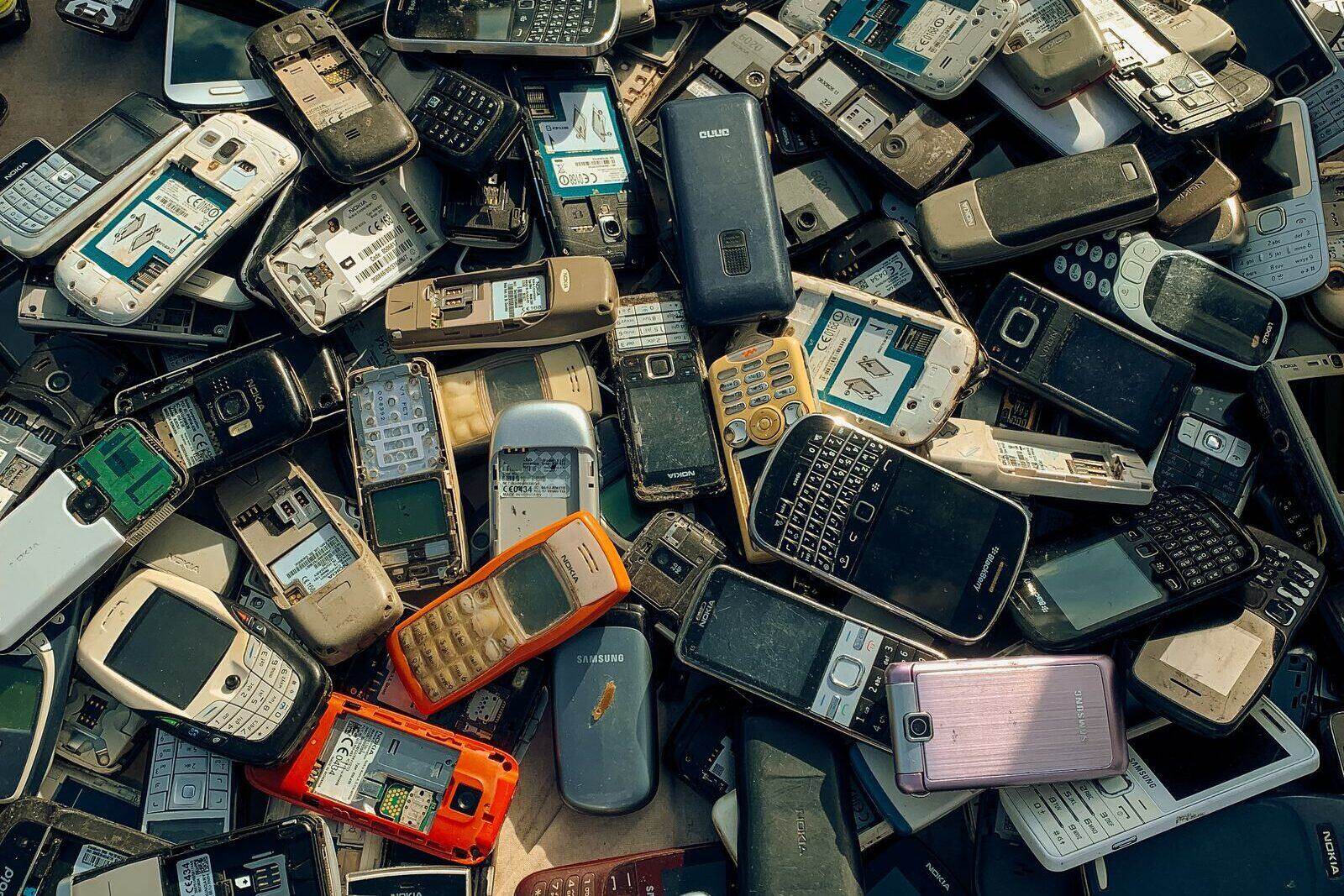
Where to Recycle Old Cell Phones in 2026: Free and Paid Options
How to wipe and recycle old cell phones in 2026: free drop-offs at Best Buy, Staples, and carrier stores, trade-in values, donation programs, and what to do with a phone that no longer turns on.
November 14, 2026 by Editorial Team
An old phone in a drawer is not harmless clutter. It holds a lithium battery that can start a fire in a garbage truck, and it holds your accounts, photos, and messages. It also holds cobalt, copper, gold, and other materials that are worth recovering.
The good news is that getting rid of one is easy. In most of the country you can drop a phone off for free within a short drive, and if it still works you can get paid for it. This guide covers both paths, plus the one step people skip most often: wiping the phone before it leaves your hands.
Wipe the Phone Before It Leaves Your Hands
A factory reset is not enough if your account is still signed in. Apple’s Activation Lock and Android’s Factory Reset Protection are designed to stop a stolen phone from being reused, and they will also stop a recycler or buyer from accepting yours. Sign out first, then erase.
iPhone
- Back up the phone to iCloud or a computer.
- Open Settings, tap your name, and tap Sign Out. On iOS 26 and later you can choose Erase this iPhone during sign-out.
- If you stay signed in, go to Settings, then General, then Transfer or Reset iPhone, then Erase All Content and Settings.
- Enter your passcode when asked.
Apple’s support guide confirms that erasing the phone turns off Find My and Activation Lock. If you skip the sign-out, the next owner may be locked out even though the screen looks clean.
Android
- Back up your photos, messages, and files.
- Open Settings, then Passwords and accounts (the menu name varies by phone maker), select your Google account, and remove it.
- Go to Settings, then System, then Reset options, then Erase all data.
- Confirm with your PIN or pattern.
Removing the Google account first matters. If you reset the phone with the account still on it, Android’s Factory Reset Protection can ask the next owner for your Google password before setup can finish.
Remove the SIM and memory card
Take out the SIM card and any microSD card. Your carrier can issue a replacement SIM, and the old one will be deactivated. If the phone uses an eSIM, choose the option to erase the eSIM profile when you reset, or call your carrier and ask them to release it.
Free Drop-Off Options
The big electronics retailers all take phones, and the three programs below are free. The fees you may have heard about apply to televisions and monitors, not handsets.
Best Buy
Best Buy accepts cell phones, smartwatches, landline phones, chargers, and headsets at the customer service desk of most stores. There is no appointment, receipt, or purchase required, and the program takes any brand. Best Buy does not guarantee data destruction, so erase the phone yourself first. The program is for household customers, not businesses.
Staples
Staples takes mobile phones and iPhones at the checkout counter, along with tablets, smartwatches, MP3 players, and most small electronics. The service is free and does not require a purchase. Each customer can recycle up to seven items per calendar day. Very small Staples stores in New York City and Washington, D.C. are excluded from the program, so check your local store if that applies. Printers and monitors carry a fee at Staples, which is explained in our retailer comparison.
Carrier stores
The three national carriers all run take-back programs, and you do not have to be a customer to use most of them.
- T-Mobile accepts phones of any make, model, or carrier, plus batteries, tablets, netbooks, and accessories, at U.S. and Puerto Rico stores, free of charge.
- Verizon company stores accept unwanted mobile devices, rechargeable batteries under two pounds, cables, and chargers. Authorized Verizon retailers may not participate, so filter for a company store in the store locator.
- AT&T has drop-off bins for phones, tablets, and charging cords in more than 200 AT&T retail locations. AT&T also takes trade-ins at the counter.
If the phone still works, ask about trade-in before you drop it in a bin. The bin is the right answer for a dead phone, not for one worth $200.
Get Paid for a Phone That Still Works
There are four realistic ways to turn a working phone into money: a kiosk, a manufacturer trade-in, a carrier trade-in, or a private sale. They pay very different amounts.
ecoATM kiosks
ecoATM runs more than 7,500 self-service kiosks across the country. You can price the phone online, lock the offer for seven days, and bring a drop-off code to the kiosk. The machine inspects the device, you scan a state-issued ID, and you leave with cash, Venmo, or PayPal. You must be 18 or older, and the whole transaction usually takes about seven minutes. Our guide to how ecoATM works covers the ID rules, the device limits, and what happens to phones that fail inspection.
Apple Trade In
Apple accepts Apple devices and many third-party phones, including Samsung and Google models, for credit toward a new device or an Apple Gift Card. If the phone is not worth credit, Apple recycles it for free. An online trade-in generally takes two to three weeks, and an in-store trade-in requires a valid photo ID.
Samsung and carrier trade-ins
Samsung Trade In takes smartphones, tablets, watches, earbuds, and laptops, including non-Samsung devices. The credit is applied instantly at checkout. You must factory reset the phone and turn off anti-theft locks before you ship it, and you have 15 days after receiving the new device to send the old one back. Cracked screens are sometimes accepted at a reduced value.
Carrier trade-ins work the same way, with bill credits instead of instant discounts. Verizon takes smartphones, tablets, smartwatches, basic phones, hotspots, and netbooks, and the device must be paid off. AT&T caps trade-ins at five devices per 12-month period. T-Mobile gives you 30 days to return the old phone after you receive the new one.
Which option pays the most?
A private sale usually pays the most for a recent phone in good condition, but you have to photograph it, list it, meet a stranger, and handle the risk of a chargeback or a no-show. A trade-in pays less but is simple and can be worth much more when a carrier promotion is attached. A kiosk pays the least on average, but it pays immediately and takes about seven minutes.
For a phone worth $50 or less, the difference between the options is small. Take the one that is closest. For a phone worth several hundred dollars, compare a trade-in quote with a completed-sale price before you decide. Our guide to selling electronics directly covers the listing and payment side, and trade-in vs. recycling explains when a repair or a sale beats both.
Donate a Phone That Still Has Life in It
A working smartphone is still useful to someone. Cell Phones for Soldiers accepts donated phones and tablets in any condition through more than 3,000 drop-off locations and a mail-in program. The organization uses the proceeds to fund free calling cards and emergency assistance for service members and veterans. Wipe the phone first, then remove the SIM card and any memory card.
Why a Phone Should Never Go in the Trash
The battery is the main reason. The EPA says lithium-ion batteries and the devices that contain them should never go in household garbage or municipal recycling bins. When a phone is crushed in a truck or at a sorting facility, the battery can short-circuit and catch fire. Even a used battery can hold enough energy to start one.
The law is the second reason. Twenty-five states and the District of Columbia have comprehensive electronics recycling laws, and many of them prohibit landfill disposal of covered devices. Our state electronics recycling law guide has the details by state.
The third reason is materials. A phone contains cobalt, lithium, copper, silver, and gold. Recycling recovers those metals and keeps them out of a landfill. Throwing the phone away means mining new material for the next one.
Find a Local Recycler
If you do not have a convenient retailer or carrier store, use our electronics recycling locator to search by ZIP code, or browse recycling options by state. City and county household hazardous waste programs often run free collection events, and many of them accept phones, chargers, and loose batteries in one trip.
Ask two questions before you hand a phone to a recycler you have not used before:
- Is the recycler certified? Look for R2 or e-Stewards certification. Both require audits of how data and hazardous materials are handled.
- Does it charge for phones? Most reputable recyclers take phones for free. A fee is normal for televisions and monitors, not handsets.
What to Do With the Charger and Case
Most retail drop-off programs take chargers, cables, and cases along with the phone. T-Mobile and Best Buy both accept accessories, and Staples takes cables and cases. Do not put loose batteries in a curbside bin, and do not ship a swollen battery. Tape the terminals of a loose lithium-ion battery and take it to a battery drop-off. Our guide to recycling batteries near you lists the store programs that accept them.
Before You Go: A Five-Minute Checklist
- Back up the phone.
- Sign out of iCloud or your Google account.
- Erase the phone and confirm that Find My or Factory Reset Protection is off.
- Remove the SIM card and microSD card.
- Charge the phone above 30 percent if you are selling or trading it in.
- Bring a state-issued ID if you want cash from a kiosk.
A phone that is five years old and worth nothing still has a battery, a screen, and a pocketful of metals. A phone that is two years old is worth real money. Either way, the right move is the same: wipe it, then take it somewhere that will reuse or recycle it.
Frequently asked questions
Can I recycle a cell phone that won't turn on?
Yes. Best Buy, Staples, T-Mobile, and most local e-waste recyclers take phones in any condition, including phones with dead batteries or cracked screens. A phone that will not power on gets little or no trade-in value, but it can still be recycled for free.
Does Best Buy take old cell phones for free?
Yes. Best Buy accepts cell phones, smartwatches, chargers, and headsets at the customer service desk of most stores at no charge, regardless of where you bought them. You do not need a receipt or an appointment.
Can I recycle a phone with a cracked screen?
Yes. Retail drop-off programs and local recyclers accept cracked phones. Cracked screens lower or eliminate trade-in value, though some programs such as Samsung Trade In make reduced offers for cracked devices.
Do I need to remove the SIM card before recycling a phone?
Yes. Remove the SIM card and any microSD card before you hand the phone over. If the phone uses an eSIM, erase the eSIM profile when you reset the device, or ask your carrier to deactivate it.
Where can I get cash for an old phone?
ecoATM kiosks pay cash, Venmo, or PayPal on the spot, and Apple, Samsung, and the major carriers offer trade-in credit. Trade-in credit is usually higher than a kiosk offer, but it comes as a gift card or bill credit rather than cash.
Can I put an old cell phone in the trash?
No. A phone contains a lithium-ion battery that can start a fire when it is crushed in a garbage truck or at a sorting facility. Several states also ban electronics from landfills. Take the phone to a retailer, a carrier store, or a local e-waste recycler instead.
Related guides
- That "Worthless" Electronics Drawer Just Might Be Worth Hundreds: A Guide to the Hidden Secondary Markets There’s a thriving global ecosystem of secondary markets where your "junk drawer" electronics could be worth significantly more than you realize.
- How ecoATM Works in 2026: What It Takes, What It Pays, and ID Rules How ecoATM works in 2026: the kiosk steps, what it pays, which phones and tablets it accepts, the ID and thumbprint rules, and what happens to locked, financed, or broken devices.
- Got a New Phone or Laptop? What to Do With the Old One A practical guide to the phone, laptop, tablet, or console you just replaced: move your data, wipe it, then trade it in, sell it, donate it, or recycle it.